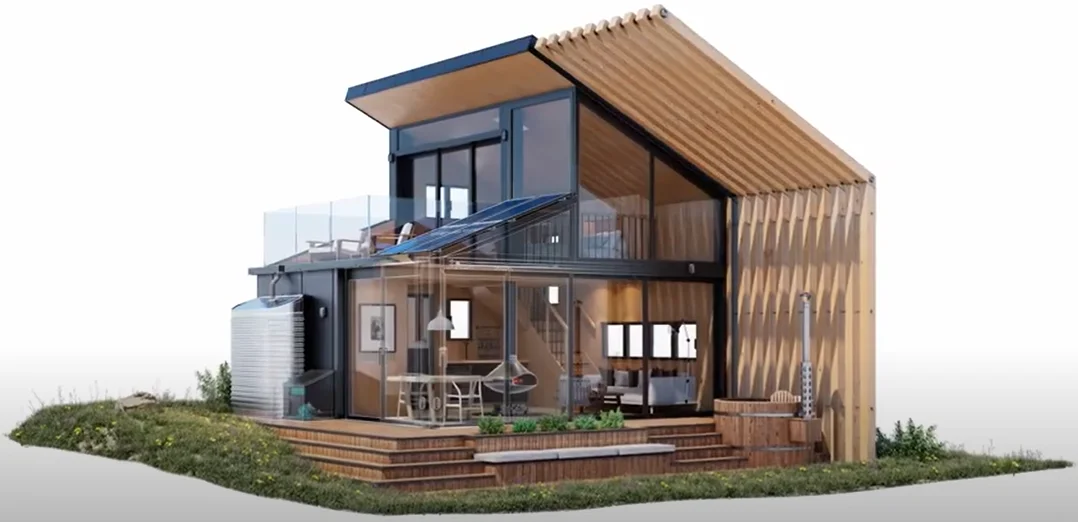










Autodesk is a leading software company that specializes in providing innovative solutions for 3D design, engineering, and entertainment. With a wide range of applications, Autodesk enables professionals and creatives to bring their ideas to life through cutting-edge tools for modeling, simulation, animation, and rendering for various industries including AEC, manufacturing, M&E, empowering users to design, visualize and create.
Autodesk - Best 3D Animation Software
Autodesk is a global leader in design and make technology. It assists innovators worldwide in resolving today's most pressing problems thanks to our expertise in architecture, engineering, construction, design, manufacturing, and entertainment. Autodesk is revolutionising how the world is created and designed. Autodesk software enables innovators to design and create a better environment for everyone, from greener buildings to smarter goods to mesmerising blockbusters.


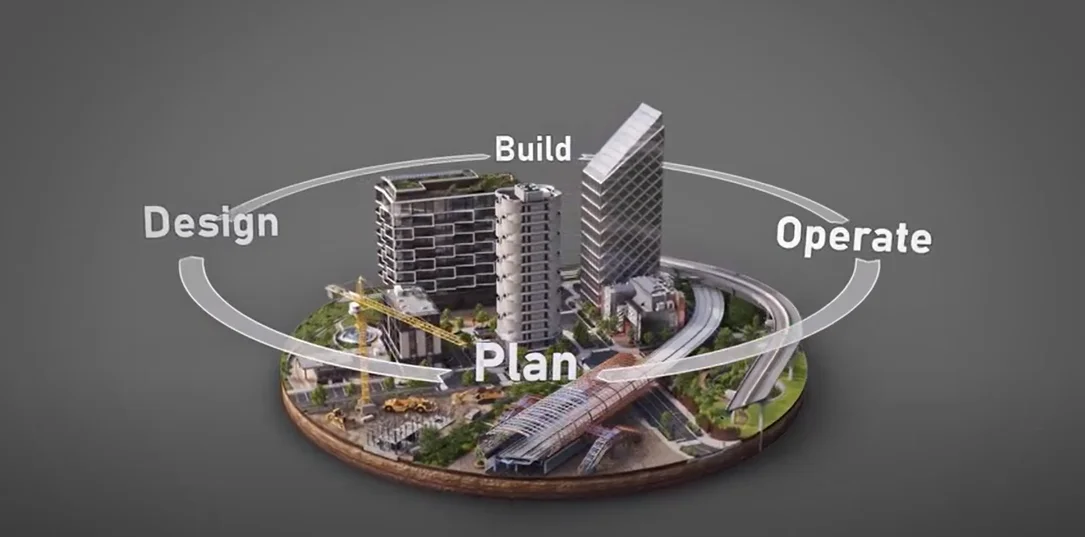
Designers, engineers, and contractors can deliver projects more easily from the initial stages of design through construction by using the BIM and CAD tools supported by a cloud-based common data environment that are available through the Autodesk AEC Collection.
- Create high-quality, high-performing building and infrastructure designs using conceptual and detailed design tools.
- Improve projects by using integrated analysis, generative design, visualisation, and simulation techniques.
- To improve project coordination and predictability, use techniques that optimise constructability.
AEC Products

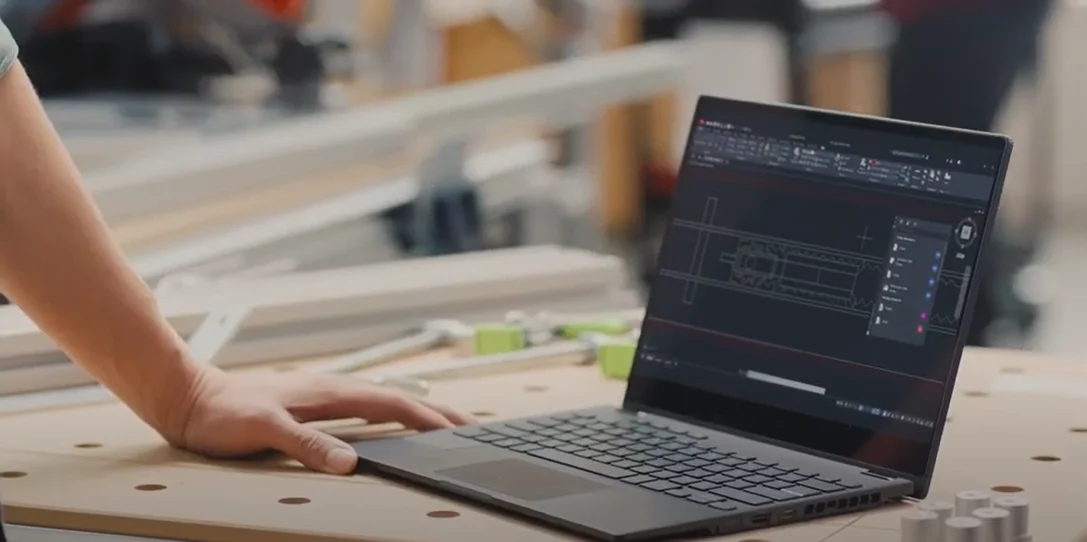
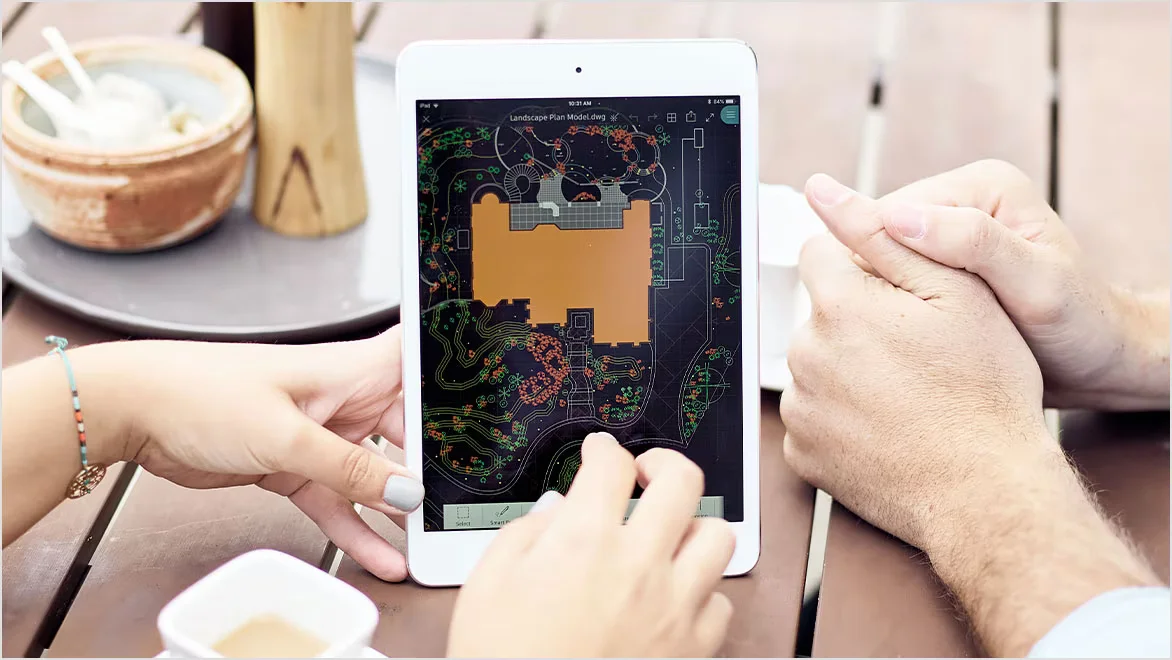
Power your teams’ creativity with the automation, collaboration, and machine-learning features of AutoCAD® software. Architects, engineers, and construction professionals use AutoCAD to:
- Create 2D geometry and 3D models with solids, surfaces, and mesh objects and annotate them.
- Automate processes like drawing comparison, block replacement, item counting, schedule creation, and more.
- Design a personalised workspace to increase productivity with add-on applications and APIs.
Features
- My Insights - Finish projects more quickly with useful hints and features from My Insights.
- Smart Blocks - Automatically place blocks based on past placements or easily identify and replace existing blocks.
- Activity Insights - View recent changes to a shared DWG through an activity log.
- Floating windows - Display drawing windows side by side or on several monitors inside the same instance of AutoCAD.
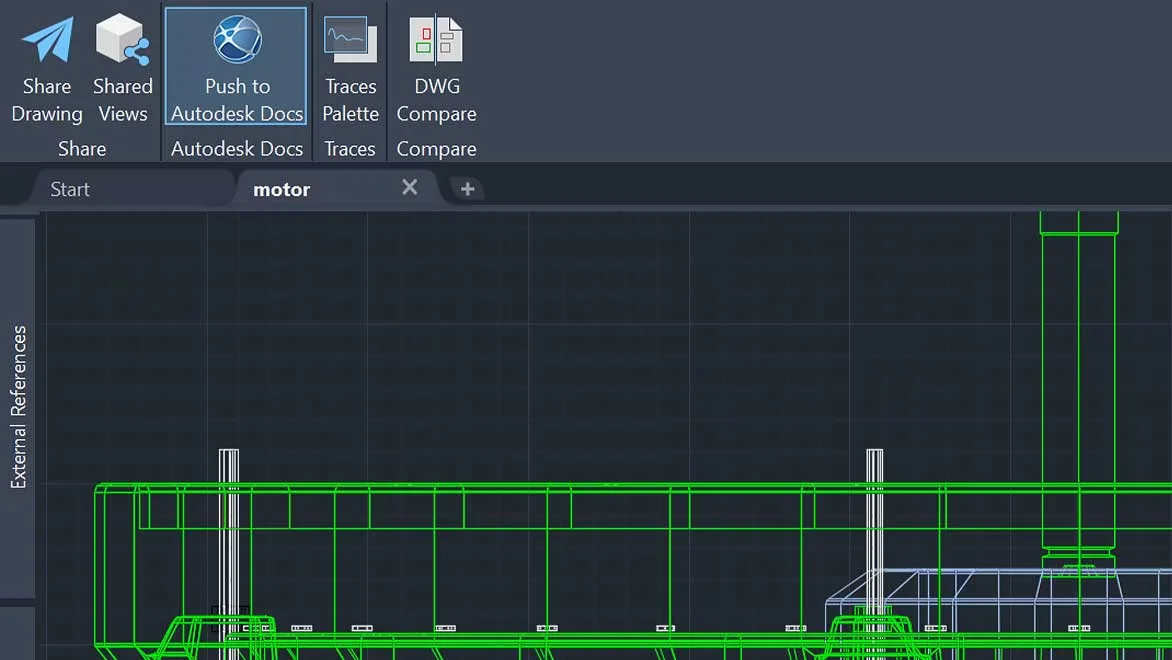
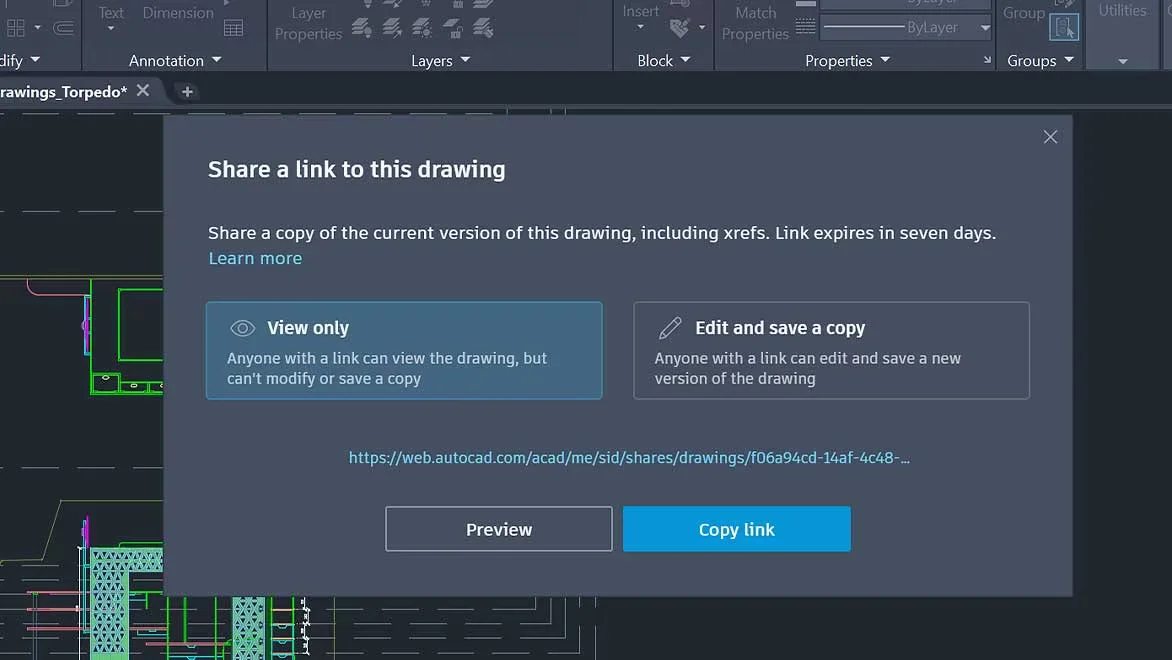
- Share - Send a controlled copy of your drawing to teammates and colleagues to view or edit from anywhere.
- Markup Import and Markup Assist - Import feedback from paper or PDFs and add changes automatically, without changing your existing drawing.
- Drawing History - Compare past and present versions of a drawing to see the evolution of your work.

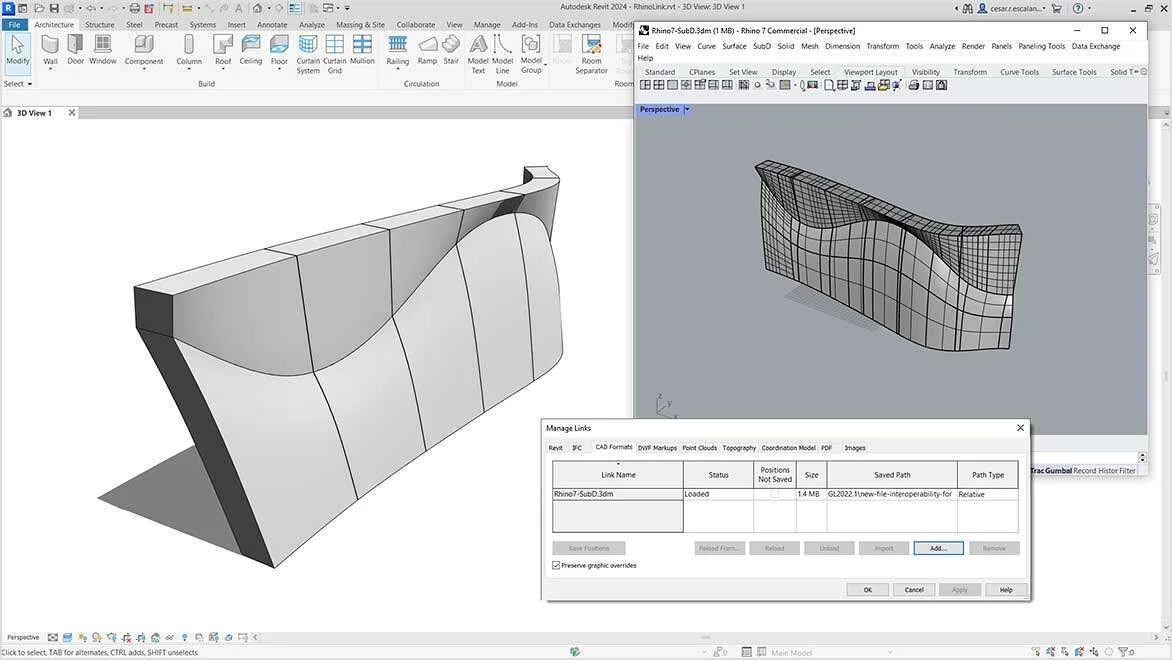
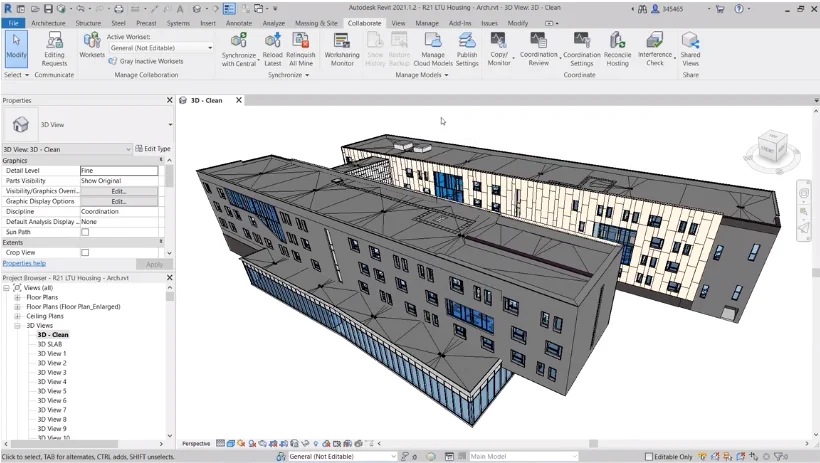
Autodesk Revit allows architects, engineers, and construction professionals to:
- With parametric accuracy, precision, and simplicity, model shapes, structures, and systems in three dimensions.
- Instant updates to plans, elevations, schedules, sections, and sheets will streamline project administration.
- Bring together multidisciplinary project teams for improved office or jobsite productivity, cooperation, and impact.
Features
- Parametric components - For design and form-making, place walls, doors, and windows in an accessible, graphical, and parameter-rich framework.
- Work-sharing - In the Revit project collaboration environment, save, sync, review, and update work to a centrally shared model.
- Schedules - To more effectively collect, filter, sort, display, and distribute project data, use tables.
- Interoperability - IFC, 3DM, SKP, OBJ, and other popular BIM and CAD file formats are just a few of the file types that Revit imports, exports, and links with.
- Annotation - Use tools for labelling, dimensioning, and illustrating in 2D and 3D to effectively communicate design intent.
- Project-wide - Parameters that consider equality constraints, radial and diameter dimensions, and design purpose are known as global parameters.
- Tools and solutions for developers - To increase Revit's functionality, add Dynamo, API access, developer tools, and BIM content to the Autodesk App Store.
- Visibility settings and overrides - Manage visibility by hiding, emphasising, and revealing architectural aspects with visibility settings and overrides.
- Twin motion for Revit - Twin motion can be started directly in Revit. Sync design data and immerse yourself in the intuitive creating environment to bring your design to life as photorealistic stills, sceneries, and animations.
- Personalised and typical family - Content You can add content from the Autodesk cloud or your own library of building components to a Revit project.
- Personalization and modification - You can customise the user interface to suit your needs by programming keyboard shortcuts, ribbons, and toolbars.

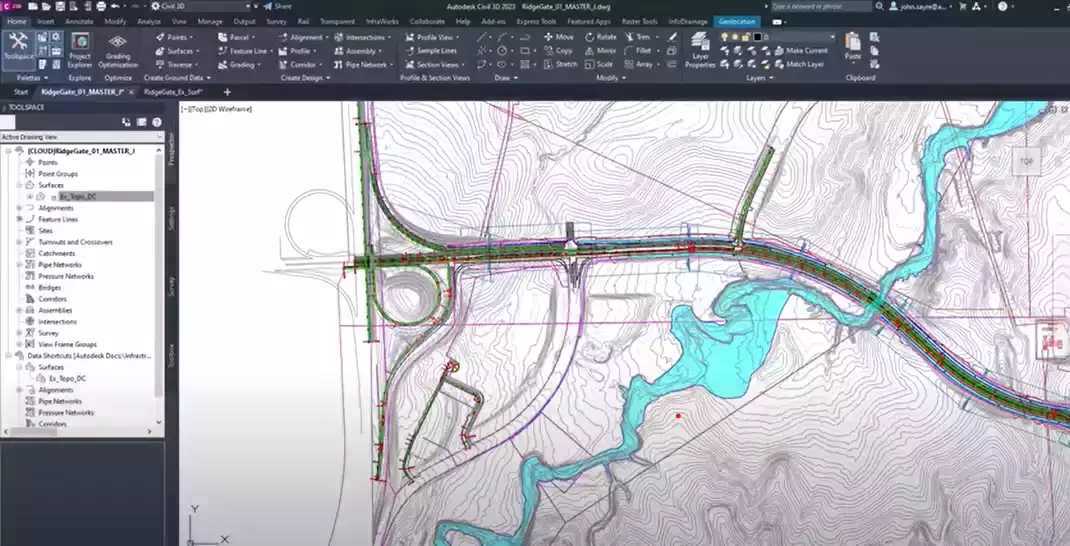
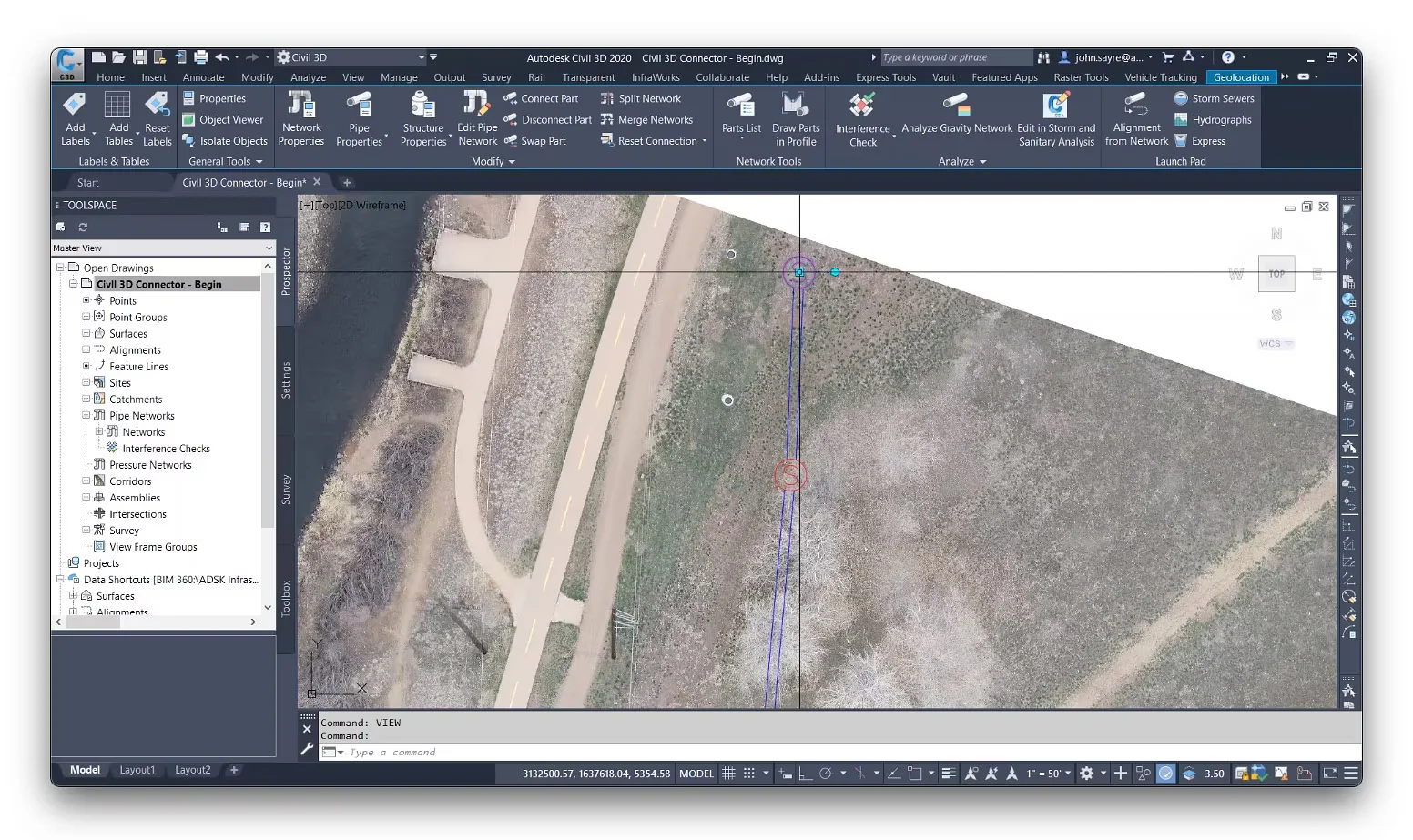
Autodesk Civil 3D® design software empowers civil engineers to meet complex infrastructure challenges in a 3D model-based environment.
- Accelerate design and documentation
- Advance design automation
- Improve collaboration and coordination
Features
- Workflows for sites and surveys - Download, create, evaluate, and modify survey data as well as send data collected on the ground to the office.
- Terrain modelling - Create computerised topographic models for use in planning transportation systems, water flow simulations, and land-use studies.
- Corridor modelling - Develop interactive, data-rich corridor models for roads, highways, and rail lines.
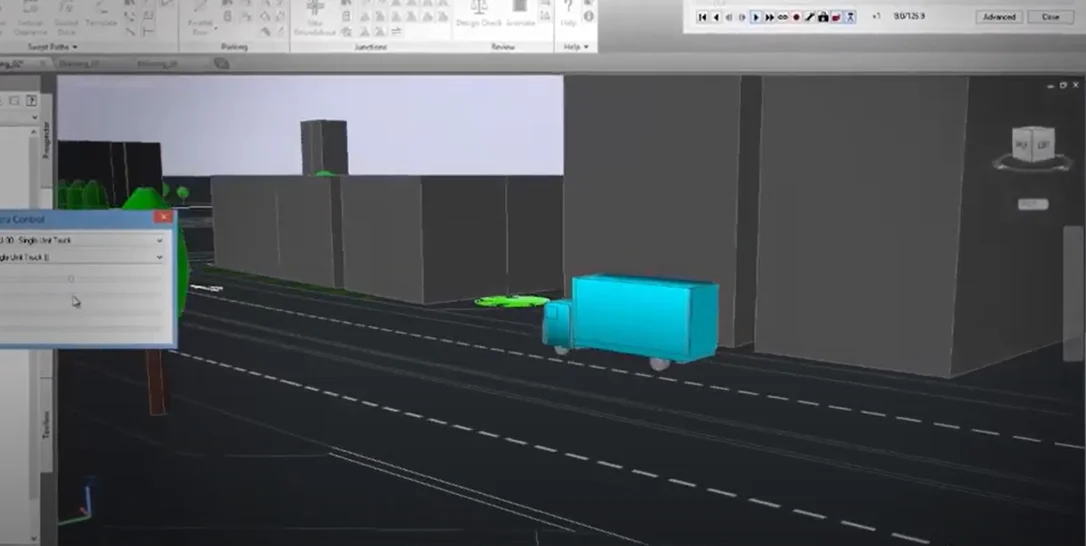
- Design intersections - With dynamic 3-way (T-shaped) or 4-way intersections and roundabouts.
- Analysis and planning of drainage - Control sanitary sewer and stormwater design. Create pipeline routes that are optimum using hydraulics and hydrology studies.
- Designs for horizontal and vertical - Pressure networks should be laid out, deflected-curve pipe segments should be modelled, and design and depth checks should be used.
- Schedule the creation of documents. - Rapidly produce construction documents from drawings, including section sheets, plan/profile, plan(s)-only, and profile(s)-only.
- Interoperability - Esri ArcGIS and Bentley data are connected, and Civil 3D allows import, export, and linkages with popular CAD formats, including IFC.
- Design automation - Create scripts using visual programming to automate complicated and repetitive operations, such as electrification and signalling.
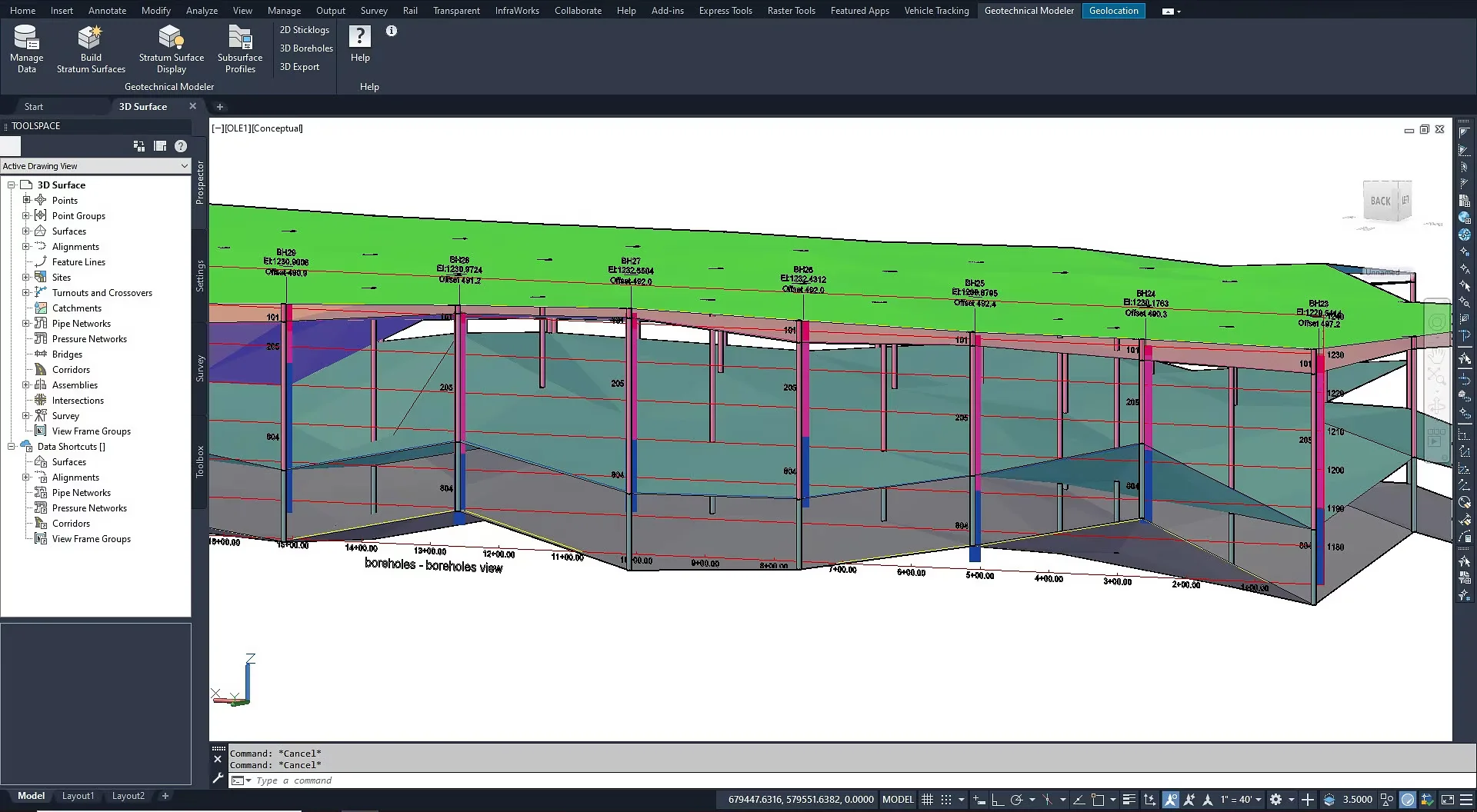
- Geotechnical modelling - Easily visualise, interpret, and use subsurface data directly in the Civil 3D design model.
- Materials and amounts - Create reports for volumes using materials and sectional or profile information, comparing design and existing surfaces, and quantity take off.
- Bridge design - Improve workflow coordination amongst the various disciplines involved in challenging bridge design projects.

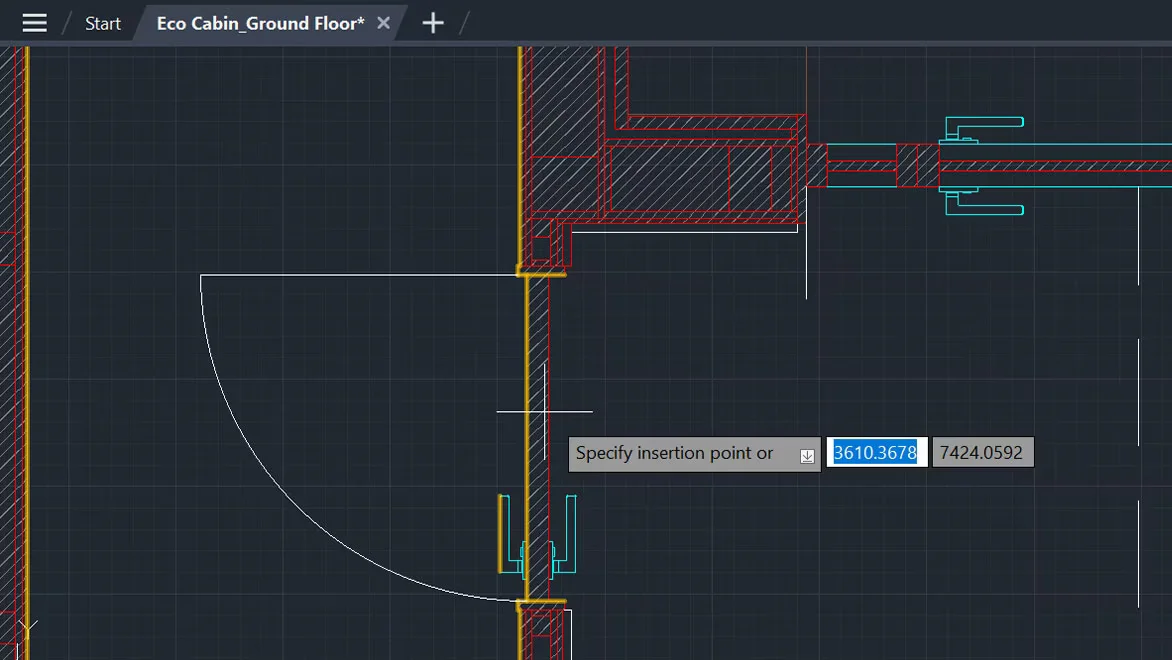
Create your 2D designs with precision and best-in-class documentation features. Architects, engineers and construction professionals use AutoCAD LT® to:
- Design, draft and document with precise 2D geometry
- Access a comprehensive set of editing, design and annotation tools
- Streamline your work by customising your interface and automating your workflows with AutoLISP
Features
- Trace - Safely review and add feedback directly to a DWG™ file without altering the existing drawing.
- Share - Send a controlled copy of your drawing to teammates and colleagues to access wherever they are.
- Count - Automate counting blocks or geometry with the COUNT command.
- Push to Autodesk Docs - Push your CAD drawing sheets as PDFs directly from AutoCAD LT to Autodesk Docs.
- Floating windows - Pull away drawing windows to display side by side or on multiple monitors, in the same instance of AutoCAD LT.
- Cloud storage connectivity - Access, preview and open any DWG file in AutoCAD LT with Autodesk’s cloud and other leading cloud storage providers.
- AutoLISP - Use AutoLISP in AutoCAD LT to streamline workflows and enforce CAD standards through automation.
- AutoCAD on any device - View, edit and create drawings in AutoCAD on virtually any desktop, web and mobile device.
- Blocks palette - View, access and mark your blocks as favorites from AutoCAD LT on desktop or within the AutoCAD web app.
- Drawing history - Compare past and present versions of a drawing and see the evolution of your work.
- Enhanced DWG compare - Compare two versions of a drawing without leaving your current window.
- Dynamic blocks - Add flexibility to your block references, including changes in shape, size or configuration.

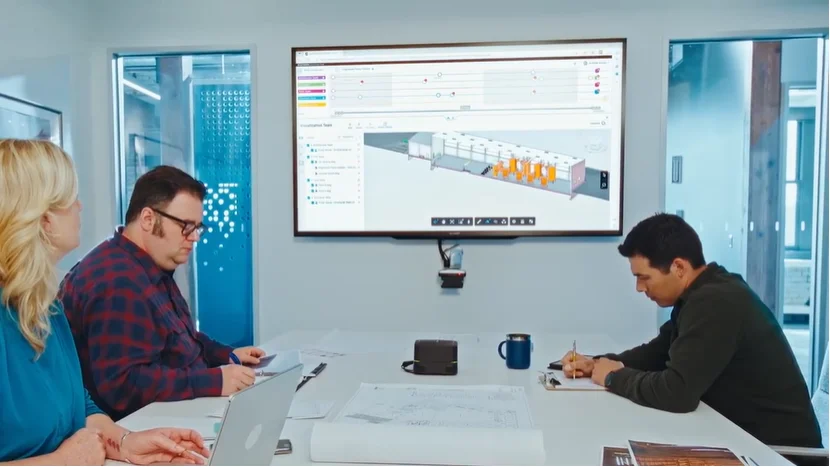
BIM Collaborate Pro is a cloud-based design collaboration software solution that enables teams to:
- Organise project data, democratise access and connect teams
- Improve project visibility to deliver projects on time
- Work together on increasingly complex projects
- Co-author in Revit, Civil 3D or Plant 3D
Features
- Design collaboration - Using project-based processes, manage data from several disciplines, including civil engineering, building design, and multi-discipline design.
- Project templates - Streamline project setup by configuring files, issues, forms, and responsibilities in a project template.
- Democratised access to design data - Browse through designs. Manage teams and projects in one location, including data access and permissions.
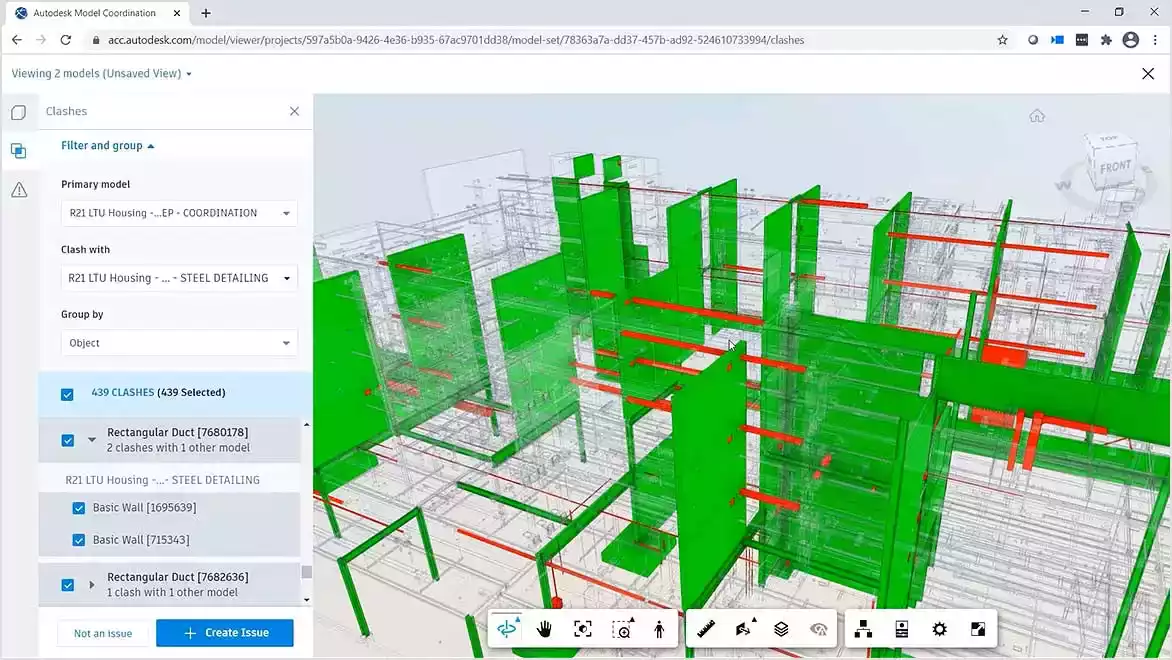
- Advanced change analytics - View any combination of models in 2D or 3D to comprehend how changes across disciplines effect scheduled activities.
- Tracking project activity - Easily view shared design package dates and contents, controlling data sharing on multi-discipline projects.
- Identify and assign - connected issues for resolution. Resolve difficulties in Revit or Navisworks by using the issue add-ins.
- Automated clash detection - Investigate design possibilities by conducting clash analyses on shared models in files that are kept apart from active activity.
- Useful project insights - Monitor recurring problems and boost planning and predictability using your own project data.
- Single source of truth - Maintain all project data in one place to increase efficiency during handover.

All the resources required to create a robust and expandable 3D animation pipeline for intricate simulations, effects, and rendering are included in the Media & Entertainment Collection.
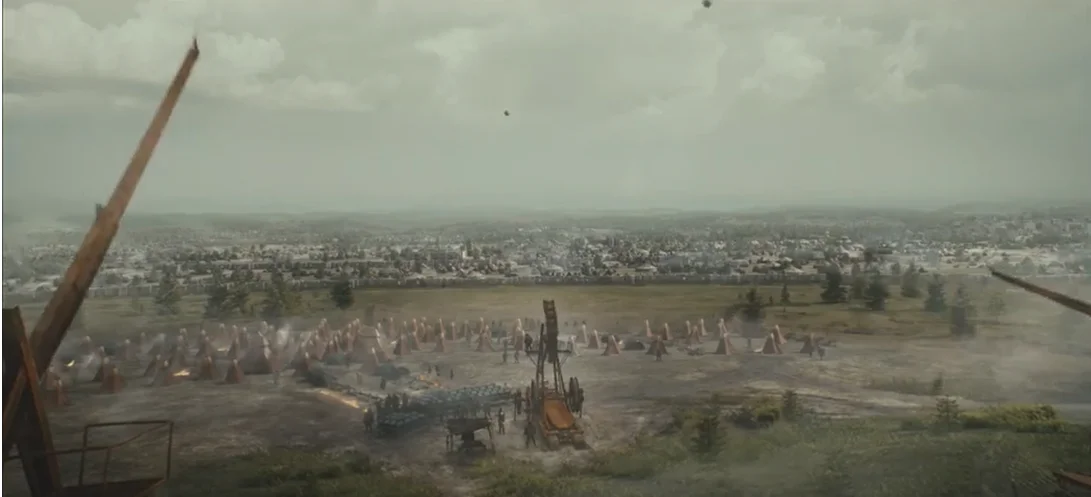
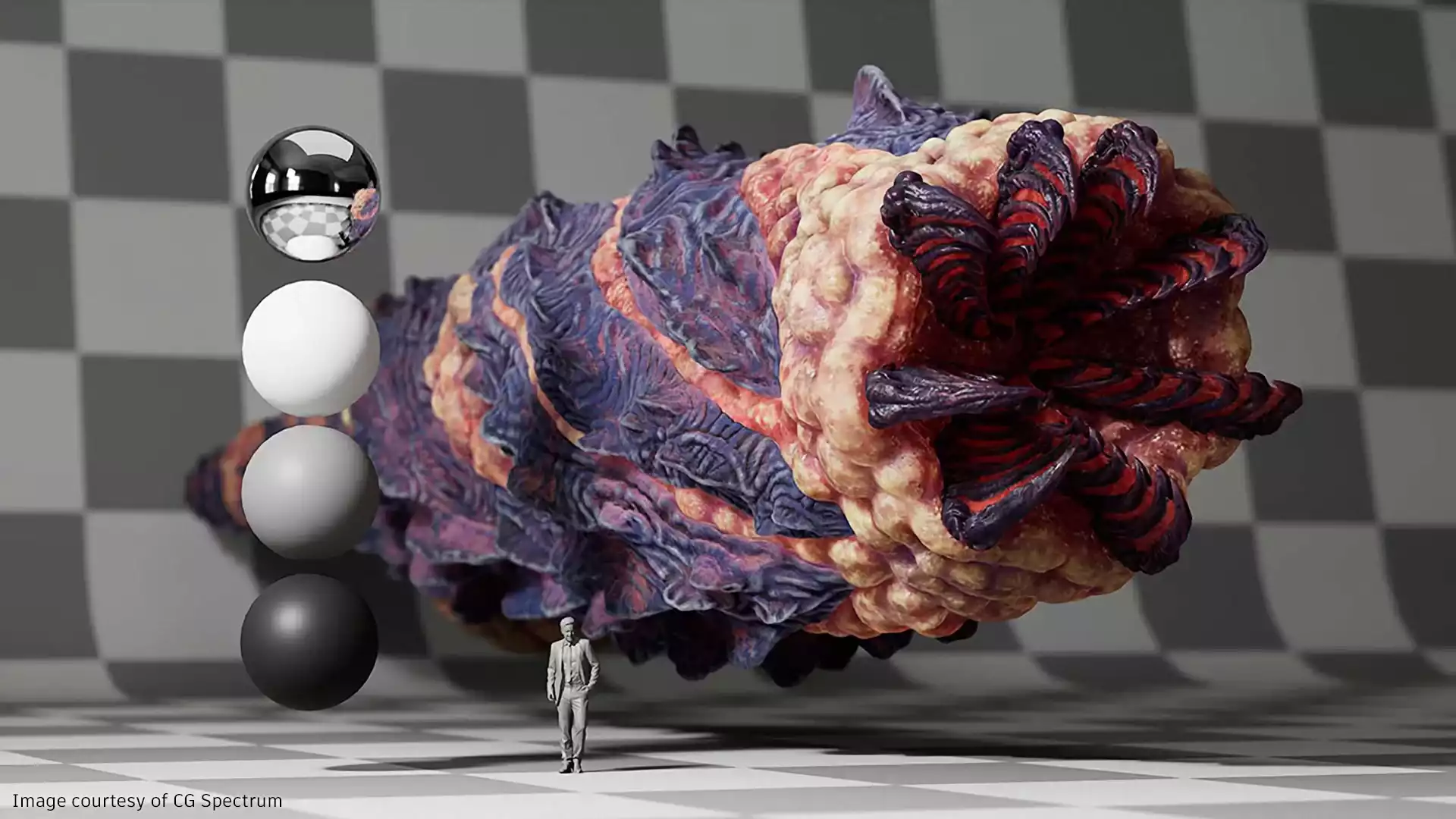
- Render your most challenging projects with Arnold, from intricate battle sequences to hyperrealistic creatures.
- Utilise Bifrost for Maya to produce intricate effects such as fire, sand, and snow.
- Give artists a variety of tools so they may consistently generate gorgeous, film-quality work.
M&E Products

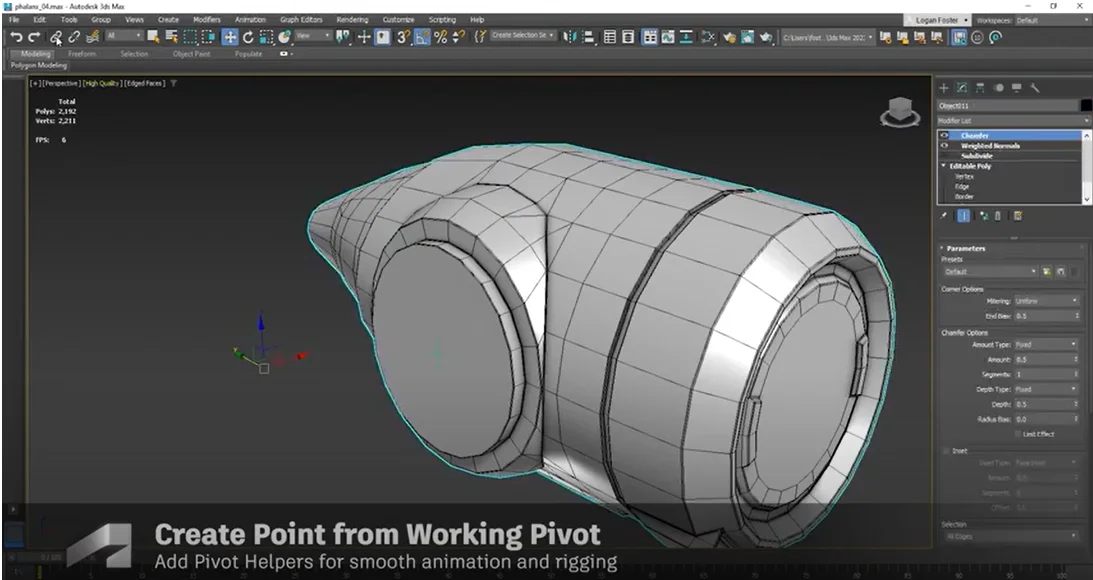
You may build vast worlds and exquisite creations using the 3ds Max® professional 3D modelling, rendering, and animation software.
- Use powerful modelling tools to give surroundings and landscapes alive.
- Utilise simple shading and texturing tools to produce intricate patterns and props.
- Iterate with complete artistic control to produce renderings of a professional calibre.
Features
- Modelling in polygons - Geometry based on vertices, edges, and faces can be used to create 3D figures, vehicles, and objects.
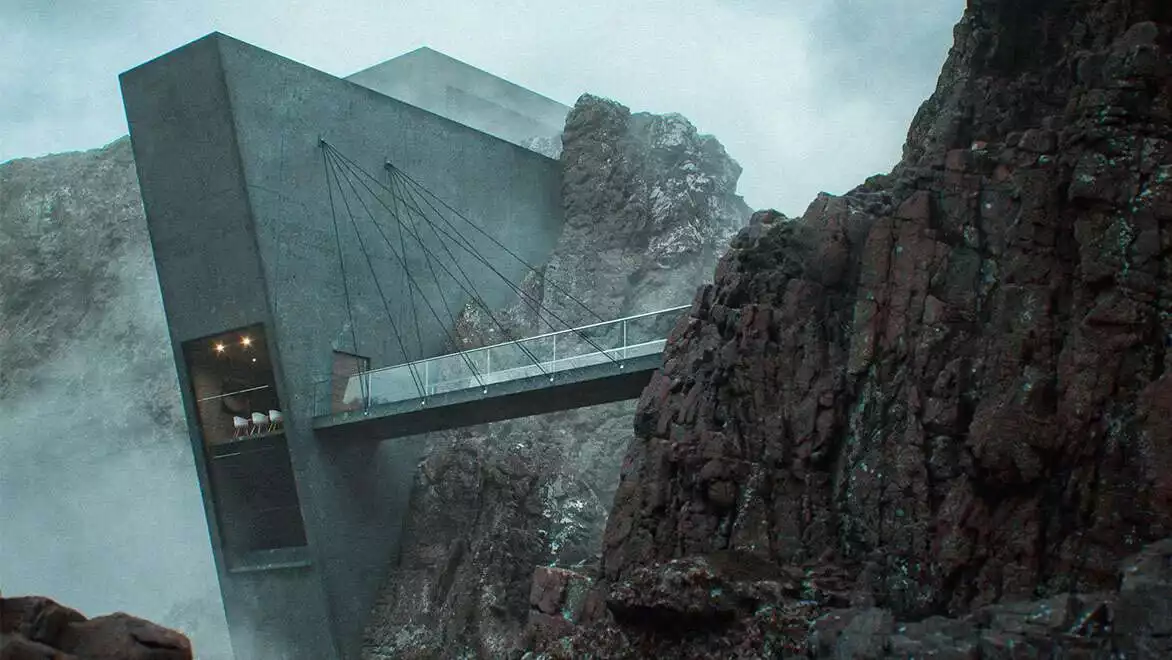
- Modelling using procedures - Use automated modelling to quickly create complex surfaces for cityscapes, woods, and landscapes.
- Dynamic viewports - Render-quality viewport previews of PBR materials and camera effects can cut down on design iterations.
- High-quality components - Utilise Physically Based Rendering, Open Shading Language, and Bake to Texture to create realistic-looking objects.
- Built-in Arnold renderer - Arnold for 3ds Max allows you to render intricate scenes and designs.
- Support for multiple file formats - With support for file formats like glTF, USD, FBX, CAD formats, and more, sharing objects is made simple.

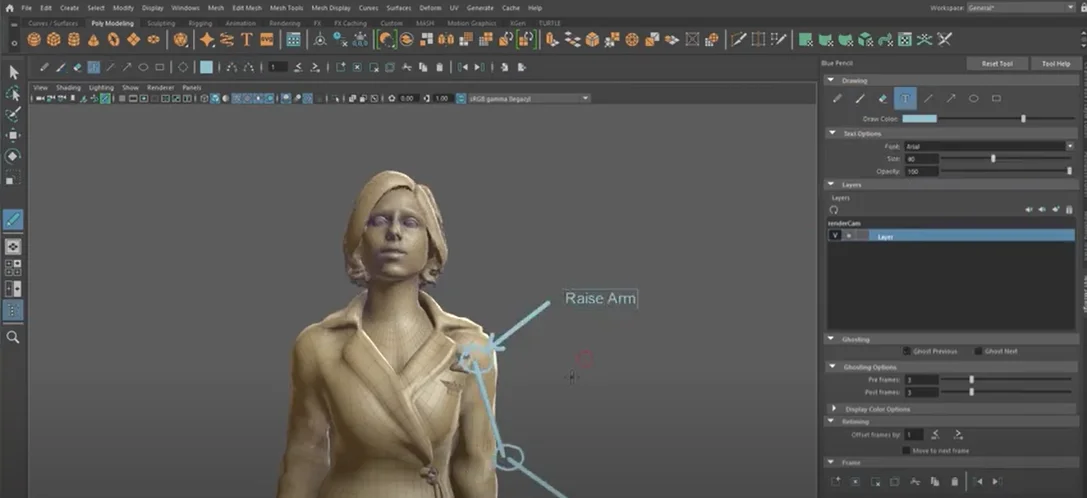
Maya is expert 3D software for producing believable characters and effects fit for a Hollywood blockbuster.
- Utilise compelling animation skills to bring believable characters to life.
- Create 3D scenes and objects using simple modelling tools.
- Create realistic effects, including simulations of explosions and clothing.
Features
- Bifrost for Maya - In a single visual programming environment, create simulations with precise physical representations.
- USD in Maya - USD in Maya Work directly with data using native tools and easily load and modify huge datasets.
- Quick playback - With cached playback in Viewport 2.0, you may review animations more quickly and generate fewer playblasts.
- Maya Unreal Live Link - With the Unreal Live Link for Maya plug-in, animation data can be sent from Maya to Unreal in real time.
- Editor of time - Utilise a nondestructive, nonlinear editor that is clip-based to do advanced animation adjustments.
- Graph editor - Utilising a graphical representation of scene animation, create, view, and adjust animation curves.
- Polygon Modelling - Using geometry with vertices, edges, and faces, create 3D models.
- NURBS modelling - Create 3D models using sketched curves and geometric primitives.
- Character creation - For figures that execute lifelike roles, create complex skeletons, IK handles, and deformers.
- Integrated Arnold renderer - Use Arnold Render View to see scene changes, such as lighting, materials, and cameras, in real time.
 Flow Production Tracking
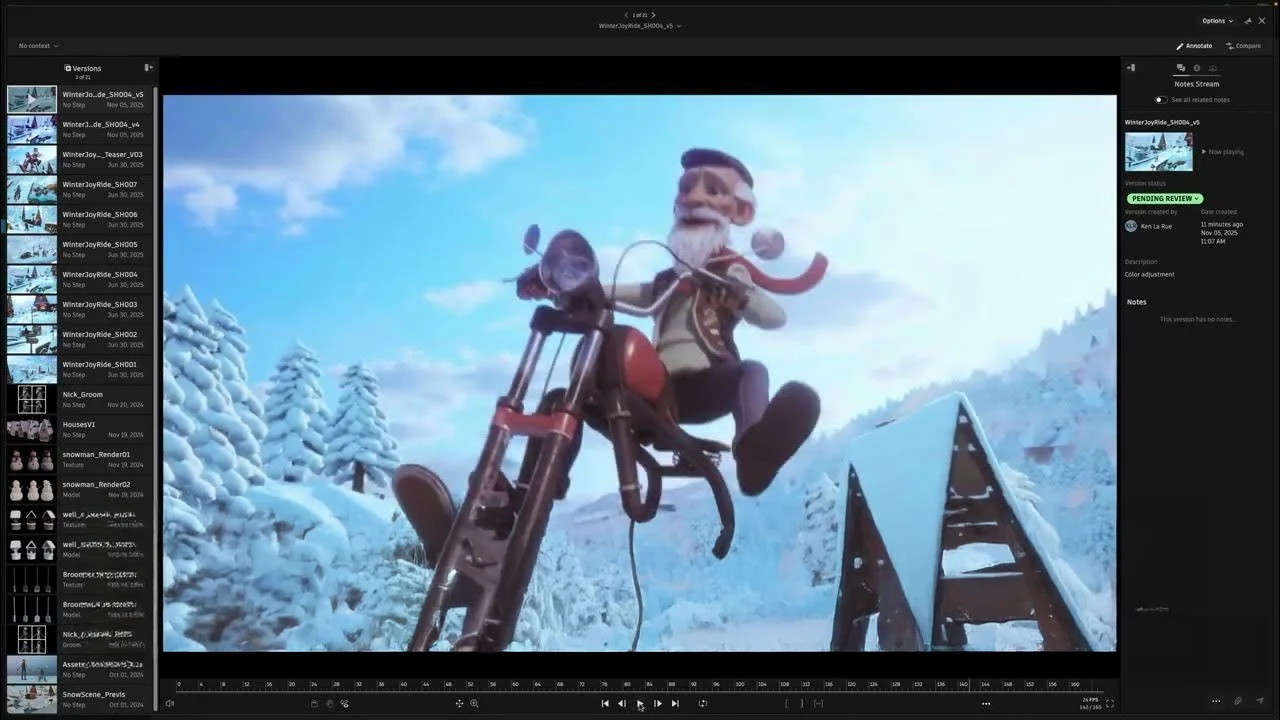
A production management tool called Autodesk Flow Production Tracking streamlines operations for design and media production teams. Flow Production Tracking allows you to:
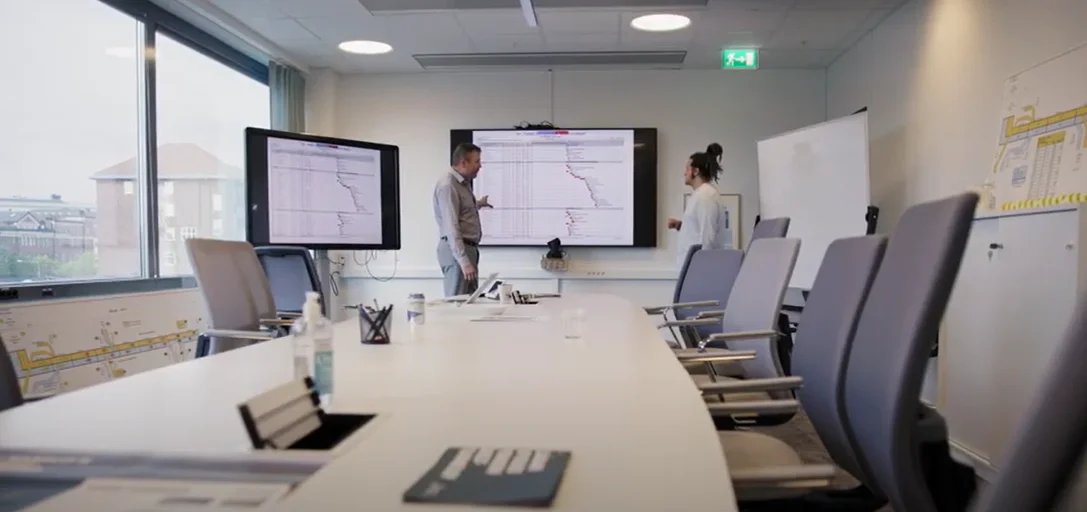
With effective project management tools, you can bring creative ideas into structured execution, maintain control over timelines, and manage production costs. Boost collaboration with integrated media review and playback capabilities. Run productions your way with customizable workflows, application integrations, and an open ecosystem.
Features
- Tracking projects in real time - Track shots, assets, and tasks as they move through each stage of the production pipeline with complete visibility.
- Perspectives on resource planning - Monitor team workloads to identify overutilised or underutilised resources and rebalance work efficiently.
- Production information - Use graph widgets, time-series data, status histories, and burndown charts to visualise key production metrics.
- Contextual analysis - Access historical data such as notes, versions, and statuses to support informed decision-making.
- Playback of media anywhere - Review and annotate content with high-quality, colour-accurate playback across web, desktop, and mobile environments.
- Integration of the editing - Review edits and cuts within the workflow and trace them back to source assets to guide creative decisions.
- Plug-and-play integrations - Build a connected pipeline with integrations across tools like Autodesk Maya, Autodesk 3ds Max, and Unreal Engine.
- Work directly in creative apps - Access production tracking, review, and approval workflows directly within creative applications.
- Isolation feature set - Maintain control over media access, duplication, and isolation to manage production data and traffic securely.
Flame
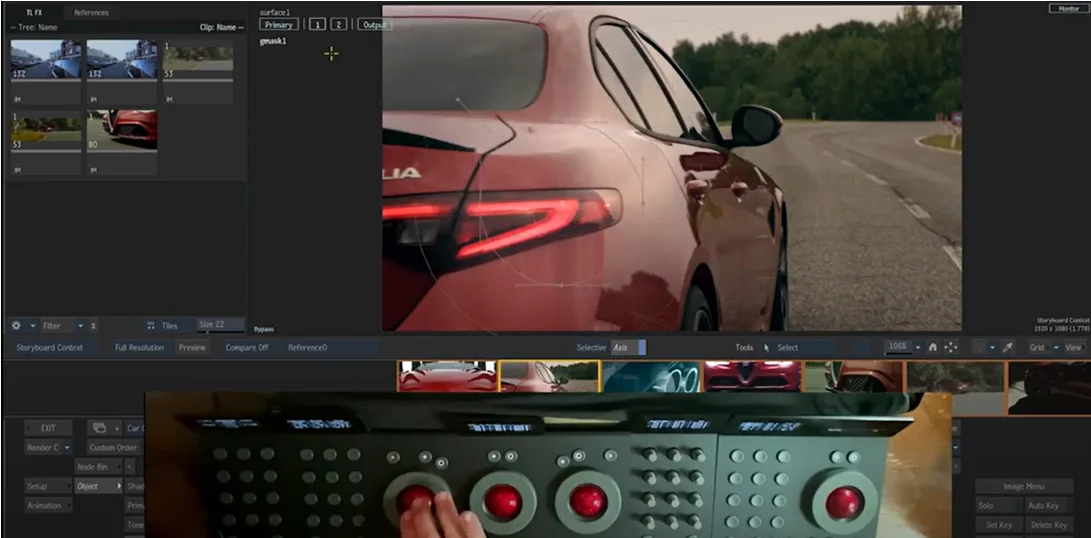
The powerful finishing and visual effects programme Autodesk Flame® has an integrated environment that speeds up creative activities.
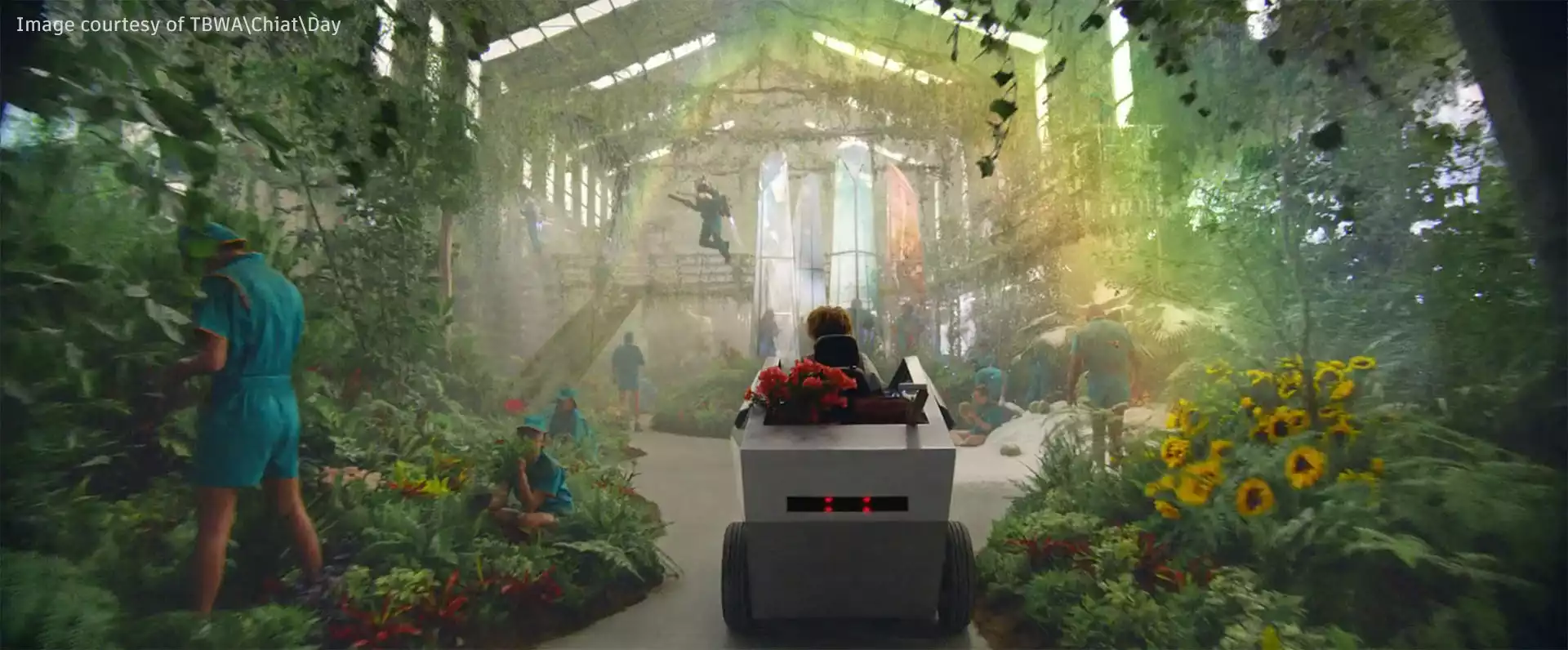
- Deliver pixel-perfect visual effects that are powered by AI to advertisements, TV shows, and movies.
- A powerful, integrated colour grading and finishing toolkit will improve every production.
- Create intricate 3D scenes using a simple, node-based compositing framework.
Features
- 3D compositing toolset - Action combines classic 2D compositing's interactive speed with potent 3D visual effects.
- Machine learning image segmentation - Using AI-powered keyers, it is simple to isolate skies, human bodies, heads, face features, or other objects.
- Timeline editing tools - Add, remove, and add effects to audio and video files.
- Next-gen camera tracking - Create a point cloud, a camera dataset, and a Z-Depth map to position objects in a scene with ease.
- MasterGrade creative colour tool - Utilise a colour tool that is HDR-ready and float-point competent to smash through colour tasks.
- Integrated finishing core toolset - An integrated environment with a colorist control panel that has a colour gradient
- The Explorer grade bin - In a designated gradient bin and reference comparison region, the Explorer grade bin Store gathered references and Timeline FX setup.
- NDI video preview streaming - A network can be used to stream audio and video for more effective client sessions.
- Dolby Vision HDR content tools - Make HDR material using the Dolby Vision technology for better viewing.
 Arnold
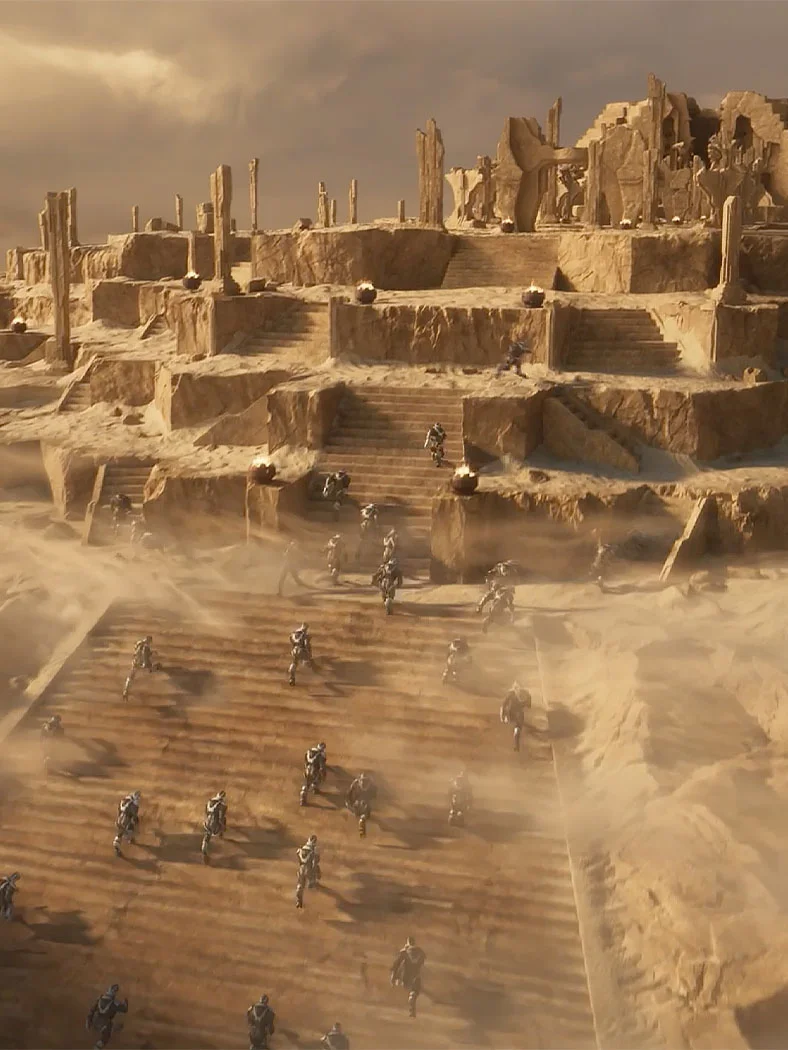
A high-performance rendering tool called Autodesk Arnold enables production teams to generate detailed, photorealistic 3D characters and environments. Arnold allows you to:
With physically accurate rendering, you can achieve consistent visual results while maintaining full artistic control over lighting, shading, and materials. Accelerate creative decisions with interactive rendering that provides immediate visual feedback.
Work seamlessly within your existing workflow with native integration in tools like Autodesk Maya and Autodesk 3ds Max.


Features
- Production-ready rendering - Handle complex scenes involving characters, environments, and lighting with a renderer designed for high-end production pipelines.
- CPU and GPU rendering flexibility - Switch between CPU and GPU rendering based on project requirements, balancing performance and resource availability.
- Interactive rendering - View changes in real time while adjusting lighting, shaders, and camera settings, enabling faster creative iteration.
- Physically accurate global illumination - Use advanced Monte Carlo ray tracing to simulate realistic light behavior, reflections, and shadows.
- Optimized rendering for complex assets - Efficiently render elements such as hair, fur, skin, and volumes without compromising quality or stability.
- Seamless DCC integration - Integrate directly into leading 3D applications, ensuring rendering workflows remain embedded within the creative process.
- Pipeline integration and scalability - Adopt Arnold within existing production pipelines through its open and extensible architecture.
- Custom shader development - Build and implement custom shaders to achieve specific visual styles and meet project-specific rendering requirements.
FAQ's
ARK Infosolutions is the authorized value-added distributor and reseller for Autodesk in India. ARK supports organizations with Autodesk software licensing, deployment guidance, training coordination, and post-sales technical support across India.
Autodesk is a global software company that develops tools for 3D design, engineering, construction, manufacturing, and media production. Autodesk software is used to design, visualize, simulate, and document projects across the full lifecycle, from concept development to production and delivery.
ARK Infosolutions provides access to a broad range of Autodesk software solutions used across architecture, engineering, construction, manufacturing, and media workflows. These include design, modeling, visualization, simulation, and collaboration tools aligned to industry-specific requirements.
Autodesk software is widely used in architecture, engineering, construction, manufacturing, product design, and media and entertainment. The solutions support design coordination, visualization, simulation, and documentation across multidisciplinary teams and complex projects.
Yes. ARK Infosolutions provides technical support and implementation assistance for Autodesk software, including installation guidance, troubleshooting, deployment planning, and workflow alignment. This helps organizations adopt Autodesk tools effectively within real project environments.
Yes. ARK Infosolutions supports Autodesk training programs for professionals, teams, and institutions in India. Training focuses on practical usage, workflow adoption, and productivity improvement across design, engineering, and construction environments.
To enquire about Autodesk software in India, you can contact ARK Infosolutions by submitting an enquiry through the website or emailing autodesk@arkinfo.in. The team assists with licensing options, pricing, deployment guidance, training, and technical support.
RELATED BLOGS
Creating Stunning 3D Worlds: A Beginner's Guide to 3D Animation
-min.webp)
5 Game-Changing Technologies Reshaping Animation Studios
5 Game-Changing Technologies Reshaping Animation Studios
.webp)
-min.webp)
GOT ANY QUERIES?
We are here to answer